


Introduction
Today’s work doesn’t happen only in the office. Auditors, inspectors, maintenance teams, and operations managers often work in the field, warehouses, or production facilities. They need software that runs nicely on smartphones, tablets, and desktops.
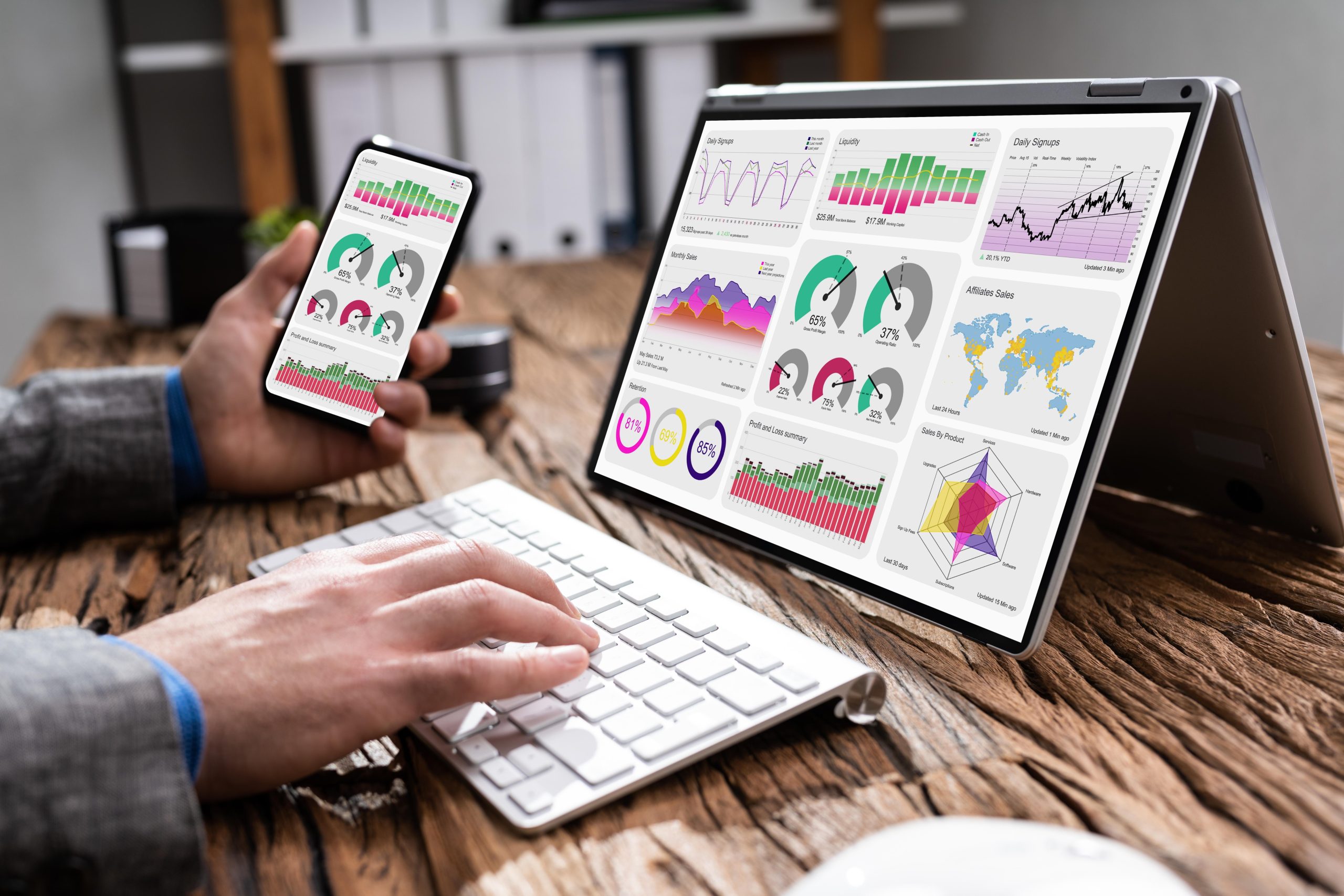
That’s why a mobile-first dashboard design really matters; it’s kind of essential. It makes dashboards easier to navigate, more responsive, and accessible across every device, so people can check the data, finish the tasks, and make decisions from anywhere, at any time.
If organizations switch to responsive dashboards, they can boost the user experience, raise productivity levels, support quicker choices, and also get a clearer view into their operations.
Why Mobile-First Dashboard Design Matters
Field employees often end up working in conditions where going back to a desktop computer is kind of not realistic. They need fast access to audit results, maintenance schedules, work orders, and operational reports while they are out on site.
A mobile-first dashboard works by showing the most relevant information up front. Rather than throwing users into too many charts and numbers at once, it steers toward actionable insights, and it makes the navigation simpler. The responsive layouts then automatically reshape themselves for various screen sizes, so the content stays readable and still easy to tap or select on basically any device.
This approach helps reduce unnecessary clicks, minimizes user frustration, and allows teams to complete tasks more efficiently in the field.
Key Takeaways
Mobile-first dashboards improve productivity by giving field teams instant access to operational data.
Responsive design ensures dashboards, reports, and workflows function consistently across smartphones, tablets, and desktops.
Simplified interfaces help users complete audits, inspections, and work orders faster with fewer errors.
Integrating dashboards with audits and work orders enables quicker decision-making and faster issue resolution.
Essential Elements of an Effective Dashboard UX
An effective dashboard helps users quickly understand information with minimal training. Key elements include:
-
- Clear visual hierarchy to emphasize critical metrics.
- Responsive design for seamless use across devices.
- Simple navigation with minimal steps.
- Fast loading performance, especially in field environments.
- Interactive filters for customized reporting.
- Consistent design across all devices.
Together, these features improve usability, accessibility, and decision-making across all devices.
Responsive Dashboards Support Better Decision-Making
Operational dashboards are useful only when people can get the meaning fast enough, not just stare at numbers. Responsive dashboards help managers and field teams keep an eye on audits, inspections, work orders, and overall operational results, without being stuck to one particular device.
For example, a facility manager can check dashboard summaries on a desktop before starting the day. Then later, while they’re visiting a storage location, they can open that same dashboard on a smartphone to look over outstanding work orders or audit findings.
That kind of continuity creates a smoother user experience too, and it really supports quicker operational decisions in the real world.
Mobile UX Beyond Viewing Data
Modern operational software should enable users to complete entire workflows on mobile devices, not just view data.
Key capabilities include:
-
- Conducting audits and inspections on-site.
- Capturing photos as evidence.
- Creating work orders instantly.
- Assigning tasks and tracking progress through live dashboards.
By combining these functions into a single mobile workflow, organizations can accelerate issue resolution and improve operational efficiency.
How SiteWare Supports Mobile-First Operations
At SiteWare, mobile accessibility is designed around the way operational teams actually work. Instead of limiting mobile users to viewing reports, the platform enables complete operational workflows from virtually any device.
SiteWare enables operational teams to complete entire workflows from virtually any device, not just view reports.
With SiteWare, organizations can:
-
- Access responsive dashboards across smartphones, tablets, and desktops.
- Perform field audits, inspections and walk-thrus.
- Use reusable checklist templates.
- Capture and add photos, videos and notes to audits, inspections, walk-thrus and tasks.
- Create tasks and work orders instantly and assign to yourself, other team members or external vendor partners.
- Monitor performance through customizable dashboards and reports.
This mobile-first approach helps organizations improve collaboration, respond faster, and maintain better visibility across daily operations.
Challenges in Mobile Dashboard Design
Designing dashboards for mobile devices requires careful planning. Simply resizing desktop interfaces often leads to cluttered layouts and poor usability.
Organizations should consider:
-
- Prioritizing essential information over excessive metrics.
- Designing touch-friendly navigation.
- Optimizing performance for slower network connections.
- Maintaining consistency across different operating systems.
- Testing dashboards under real field conditions.
Addressing these considerations helps ensure that mobile dashboards remain practical rather than overwhelming.
Conclusion
As organizations keep leaning into digital operations, a mobile-first dashboard vibe has become pretty much a necessity, not a little “nice to have”. Responsive dashboard layouts give field teams quick access to operational information while still letting them carry out audits, inspections, and maintenance right from their phone or tablet.
For businesses that are managing scattered assets and real-world field work, responsive user experiences tend to boost output, make decision-making more solid, and shrink the time between spotting a problem and doing the fix. When intuitive dashboard design is paired with integrated operational workflows, teams get something more connected, streamlined, and genuinely data-driven.
For companies like SiteWare, mobile-first design isn’t only about getting dashboards to behave on smaller screens, it’s also about providing the practical tools teams need to stay productive wherever their operations take them.
